Why paper stamp cards stop working
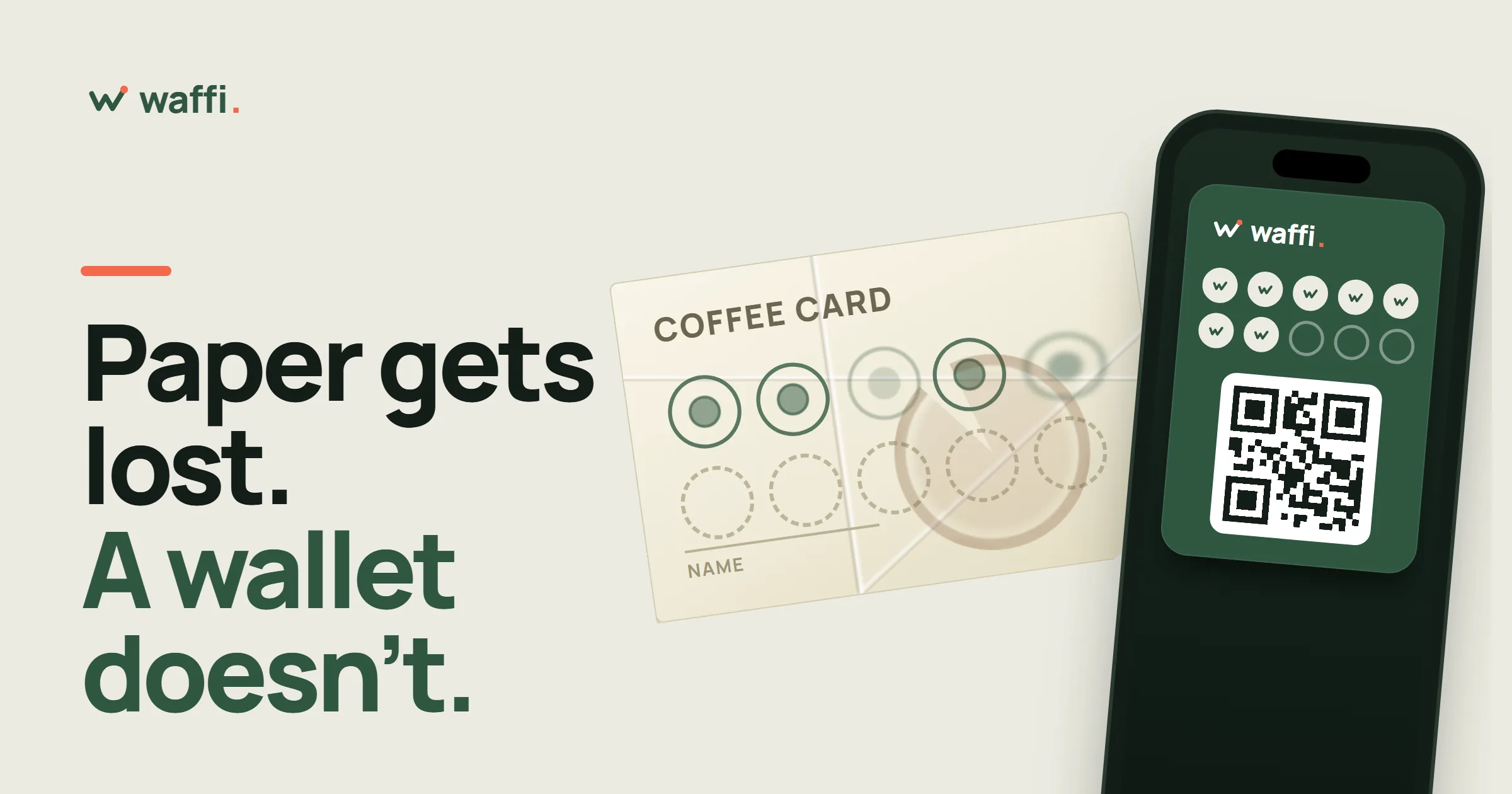
Almost every café has tried a paper stamp card. It costs next to nothing, customers understand it in a second, and for the first few weeks it feels like it works. Then the pile of printed cards grows, the regulars stop mentioning theirs, and nobody can say whether the whole thing brings anyone back.
Paper stamp cards do not fail because the idea is wrong. "Visit seven times, get one free" is a good idea. They fail because paper is a poor place to keep it. Here are the five ways it goes wrong, and what changes when the same card lives in a customer's phone wallet.
1. The card is never in the pocket when it is needed
A stamp card only works if it is with the customer at the counter. A paper card spends most of its life in a bag, a car door, a coat from last winter or the bottom of a wallet. The customer buys a coffee, remembers the card on the way out, and the stamp is lost.
After a few of these moments, the card feels like a chore. The customer stops carrying it, and eventually stops asking.
What a wallet card changes. People always have their phone. The card sits in Apple Wallet or Google Wallet next to their bank cards and tickets, so it is there at every visit without anyone remembering anything. There is no app to install: the customer scans a QR code at your counter, fills in a short form and taps Add to Apple Wallet or Add to Google Wallet.
2. Stamps can be faked, and nobody can check
A rubber stamp can be copied, a pen can draw a circle, and a busy cashier cannot tell a real stamp from a generous one. Even when nobody is cheating on purpose, cards get stamped twice for one order, or stamped late for a visit that nobody can remember.
You have no record of who gave which stamp and when, so when a customer arrives with a full card you either trust it or you argue.
What a wallet card changes. The count lives with Waffi, not on the card. Your Staff Member finds the customer by scanning the QR code on their pass, or by typing the six-digit number under it, and adds the stamp in Earn & redeem. Every earn and every redeem is saved in the history. If someone taps the wrong button, the mistake can be undone, and the correction is kept in the history instead of being erased. A reward is only given when the saved balance says it is earned.
3. The reward is hard to count and easy to lose
With paper, the finished card is the reward. Customers fold it, wash it, or lose it just before the last stamp. Some owners accept a card with a missing stamp "this once", which teaches everyone that the rules are flexible.
What a wallet card changes. Waffi does the counting. When a card reaches the reward threshold, the gift is saved on the customer's card automatically, and anything beyond the threshold carries over. The gift waits until your staff redeem it, and you can set it to expire after a number of days you choose. Customers can see their progress at any time, and your staff do no arithmetic at the counter.
You choose whether the card counts stamps (a simple "buy seven, get one free") or points that follow what customers spend. Both can have rewards that repeat, and a free item, a percentage discount, a fixed discount or a custom reward of your own.
4. You cannot reach the customer again
This is the quiet cost of paper. When a customer takes a stamp card and walks out, you know nothing about them. You cannot tell them that a new menu has started, that their reward is waiting, or that you have missed them. Everything you want to say has to be said in the minute they are standing in front of you, or on a poster they might not read.
What a wallet card changes. When customers join, they give their name and an email address or phone number, so for the first time you have a list of the people who actually come back. Your card can send a short message to a customer's wallet pass when they are one stamp away from a reward, and again when the reward is ready. Campaigns and birthday messages reach the pass too. Marketing messages go to customers who agreed to receive them, plus earlier self-signups with no recorded marketing choice (never to those who declined or withdrew), and a customer can mute a pass in their wallet whenever they like.
Some of these features, campaigns for example, are part of certain plans only, so check what your plan includes.
5. You get no information about your own business
Count the paper cards in a drawer and you still do not know how many customers you have, how many came back, or how many gave up after the second stamp. The most important question for any small business is "are first-time visitors becoming regulars?", and a stack of paper cannot answer it.
What a wallet card changes. Every visit your staff record is saved. Your dashboard shows customers, visits, saved and redeemed gifts, and how many first-time visitors came back within a week. You can search your customer list and open any customer to see their card, their history and the gifts waiting for them. Decisions about your reward, your opening hours or your next campaign start from what happened, not from a feeling.
What does not change
A wallet card does not need a clever scheme. It is still the same simple promise at the counter: come back, and we will thank you. Keep that promise short, keep the reward worth the trip, and let the system do the counting.
It is also worth saying that digital is not magic. If nobody tells customers that the card exists, it will not be used. A small sign by the register with your QR code, and one sentence from your staff when they hand over the coffee, matter more than any feature. Waffi makes that sign for you: the Counter Sign is a page in your dashboard that turns your signup QR code into a sheet you download and print, in English, Arabic or both.
A short checklist before you switch
- Decide your reward first, and make it something your regulars reach in a few weeks, not a few months.
- Choose stamps if you want the simplest offer, and points if bills vary a lot.
- Put the QR code where customers wait: the register, the table, the pickup counter.
- Teach staff one sentence: "Would you like to join our loyalty card? It goes in your phone."
- Try the whole path yourself first, from scanning the code to getting the stamp.
If you want to see how this looks for a café, read how to set up a loyalty program for your café, or open the pages below to see how rewards and campaigns work.
Questions owners ask
Do my customers have to install an app? No. The card is saved in Apple Wallet on an iPhone or Google Wallet on an Android phone, which are already on the phone.
What about customers who do not want to use their phone? They can still join with the signup form, and the card page opens in any browser. Your staff find them with their six-digit card number or phone number.
Can I keep my paper cards for a while? Yes. You can run both for a few weeks while you tell your regulars about the new card, then stop printing paper.