How to set up a loyalty program for your café
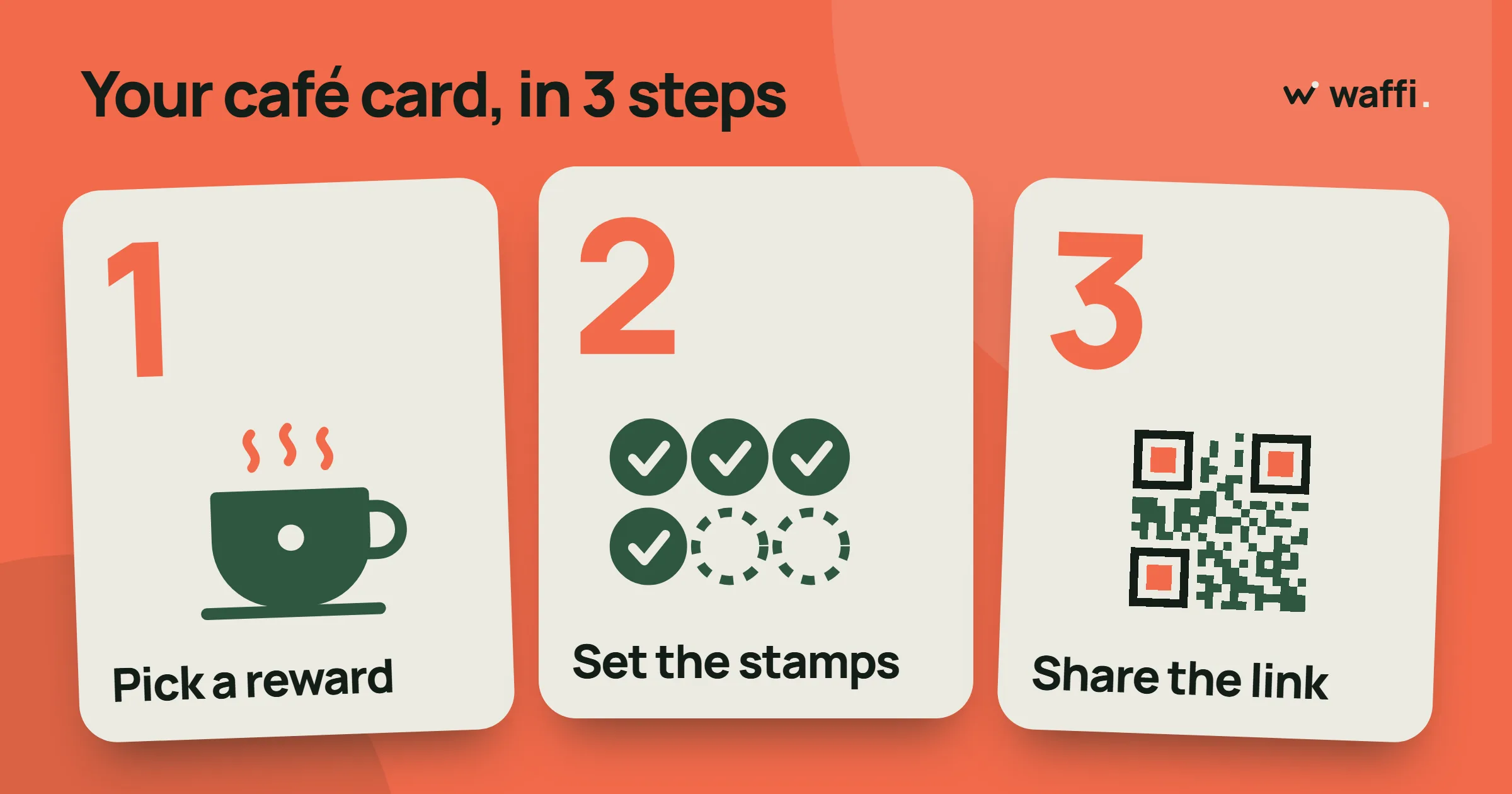
A café loyalty program has a simple job: turn the person who bought one coffee on Tuesday into the person who is there every morning. The program itself can be very small. A card, one reward, a sign by the register and a team that knows what to do.
This guide follows the real steps in Waffi, in the order you will meet them. Plan an afternoon for the setup itself. One thing sits outside your control: Waffi reviews every new account before it opens, so the first step starts a short wait, and you can do the thinking while it runs.
Before you open anything: three decisions
Spend a few minutes with a pen and answer these first. They are the only decisions that are hard to change later without confusing your customers.
- Stamps or points? A stamp card counts visits or items: "buy seven coffees, get the next one free". Points follow what a customer spends. Stamps are the easiest way to start, because staff and customers understand them at once.
- What is the reward? Pick something that costs you little and feels generous: a free cappuccino, a free pastry, a discount on the next order. Waffi supports a free item, a percentage discount, a fixed discount, cashback or a custom reward you describe.
- How many stamps? Choose a number your regulars reach in a few weeks. Seven is a familiar choice for coffee. If it takes months, people give up before they see the reward.
Step 1: create your account
Sign up with your business name, your name, your email address, your phone number and a password, and accept the terms. Waffi sends a confirmation email: open it to confirm. When you first sign in, a short set of questions asks what kind of business you run, how many branches and people you have, and which plan you are interested in.
Then your account waits for approval. Waffi contacts you by email or phone, and when the account is approved your trial opens. Until then you cannot open the rest of the dashboard, so use the time to prepare your logo and your reward.
Step 2: design the card in the Card designer
Open Card designer in the dashboard and choose New card. This is where the card your customers will save to their phone takes shape.
- Name the card in English and in Arabic, so each customer sees it in their own language.
- Choose the card type. Pick Stamps for a simple stamp card, or Points if you want to give points for what customers spend. There are also Visits and Membership tier cards, but a café rarely needs them on day one.
- Add your logo and your brand colour. Waffi prepares a clean version of the logo for you. A live preview shows the card as it will look in the wallet as you change things.
- Set the progress label, the word customers see beside their count, such as "stamps".
Save the card design when you are happy with it. You can come back and change it later: when you edit the design, the cards your customers already hold are updated.
Step 3: add the reward
Switch to the Rewards tab and choose Add reward.
- Give the reward a name, for example "Free cappuccino". If you can, add the Arabic name too.
- Choose the reward type, such as a free item.
- Enter the number of stamps required, the number you decided on earlier.
- Tick Customers can earn this reward repeatedly if every seventh coffee should win a gift, not only the first.
Save the reward. When a customer's card reaches the threshold, Waffi saves a gift on their card automatically, and it waits for your staff to hand it over.
Step 4: switch on customer signup
Open the Customer signup panel. It shows a Ready to launch? checklist. Three items are required: a saved card design with a name and a progress label, at least one active reward, and an account that is active or on trial. The others are only advice, such as adding a logo and Arabic names.
When the required items are ticked, choose Enable customer signup. You now have a signup link and a QR code. Open the link on your own phone to see what customers will see.
Step 5: print the Counter Sign
Open Counter sign. It builds a printable sign around your signup QR code, so customers can join while they wait for their order. (The download is unavailable while signup is switched off, so do step 4 first.)
- Choose a layout: Classic, Band, or QR first.
- Choose the paper: A6, A5 or a table tent.
- Choose the language: English, Arabic, or both.
- Edit the headline and the short caption under the code.
Watch the live preview. If the text does not fit the paper, you will see a warning. Then download the sign as a PNG or a PDF and print it. Put one by the register, and maybe one on each table.
Step 6: add your team
Open Staff access and choose Add Staff Member. Enter their email address and a temporary password, then pick the pages and actions they may use and the branches they work at. Give the login details to the person privately, because Waffi does not send them. They choose a new password the first time they sign in.
A Staff Member serves customers. The card designer, the Counter Sign and the staff accounts stay with the Owner and Managers.
Step 7: teach staff one screen
Your staff will spend their time on Earn & redeem. It takes a minute to learn:
- Find the customer: scan the QR code on their card with the camera button, type the six-digit card number, or search by phone number.
- Choose Earn, then Add stamps, and enter how many stamps this purchase deserves. Confirm only after a purchase that qualifies.
- When a customer has a gift waiting, choose Redeem, pick the reward and confirm. Hand over the gift only after the screen says it worked.
If someone presses the wrong thing, the earn or the redeem can be undone. The correction stays in the history.
Agree one rule with your team and write it on a note: "one stamp per coffee" or "one stamp per order". A clear rule matters more than any setting.
Step 8: test it yourself, then tell your regulars
Before opening to everyone, do the whole path with your own phone: scan your sign, fill in the form, add the card to Apple Wallet or Google Wallet, and ask a colleague to add a stamp. Watch your card change. If it works for you, it will work for customers.
Then start with the people who come every day. A sentence at the register is the best advertisement: "We have a loyalty card now. Scan this and it lives in your phone."
Habits that keep it working
- Mention it every time for the first month. Customers rarely read signs.
- Keep the reward real. If the free coffee is hard to claim, the card loses its point.
- Look at the dashboard now and then. It shows how many customers joined and how many came back, so you can see whether the program is working.
- Say thank you in the wallet. The card can notify customers when they are one stamp away from the reward and when it is ready, and some plans can also send campaigns and birthday messages.
Some of these features depend on your plan, so check what yours includes. When you are ready to start, the pages below show how rewards and the café setup work in more detail.